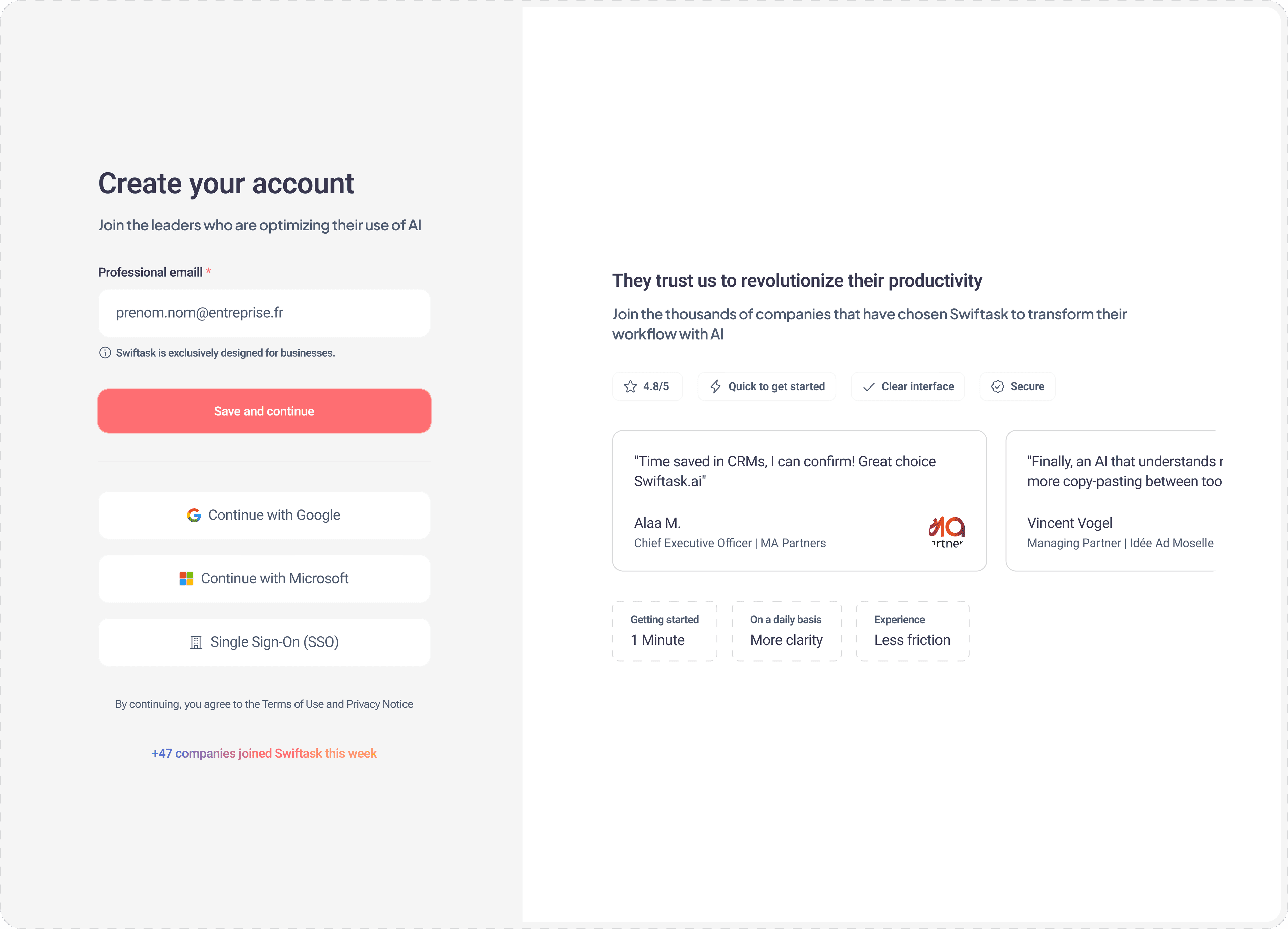
Download Swiftask
On the web platform, go to the Meeting interface and click the Download button. The download will start automatically.


New: AI Meeting Assistant
No matter which video conferencing tool you use, the AI records, transcribes, and extracts key points to turn your meetings into concrete actions.


















Basic transcription only
No smart analysis
Isolated and unusable data
No integration with your workflows
Expensive separate subscription

Transcription + Advanced AI Analysis
Automatic extraction of decisions and actions
Full integration with your Swiftask AI agents
Integration with your projects and workflows
Included in your Swiftask subscription
Query your meetings in natural language
Key Benefits
Much more than just a recorder. A truly intelligent assistant for your meetings.

Real-time transcription
The AI automatically joins your Google Meet and Teams meetings, transcribing everything live with speaker identification.

Automatic summaries
Get a structured summary of each meeting in seconds: key points, decisions made, and topics discussed.

Extracted actions
The AI automatically identifies mentioned tasks, their owners, and deadlines. Then export them to your Swiftask projects.

Ask the AI questions during your meetings
Ask your AI agents questions about each meeting: "What decisions did we make regarding the budget?"

Smart archives
Access all your past meetings. Filter by project, participant, date, or keywords. Find everything instantly.

Full integration
Connected to your AI agents, projects, and knowledge bases, your meetings are transformed into actionable data.
Data Security
Privacy is not optional; it’s our priority

All your transcriptions are encrypted. No one outside your team can access them.

Control who can view which meetings. Integrated with the Swiftask role system.

You can delete any transcription whenever you want. Your data, your rules.

Participants are informed of the assistant’s presence. Full respect for privacy.
On the web platform, go to the Meeting interface and click the Download button. The download will start automatically.
On the desktop version, in the chat area, you’ll see a "Record" button in the input field. Click it to start the meeting.


Select your main assistant as well as the transcription assistant, then start the meeting.


Ask questions to the AI, generate summaries, and export them or create a link to your Swiftask projects.


Download the app. Create your agents without coding, chat with all AIs, and manage your projects on the go.

Join the teamsthat never lose important information again.